To view the brokers connected to your account, click on the ‘Settings’ option from the profile icon dropdown, as shown below.

This will take you to the ‘Connected Brokers’ tab, where you can view the list of brokers linked to your Starfolio account.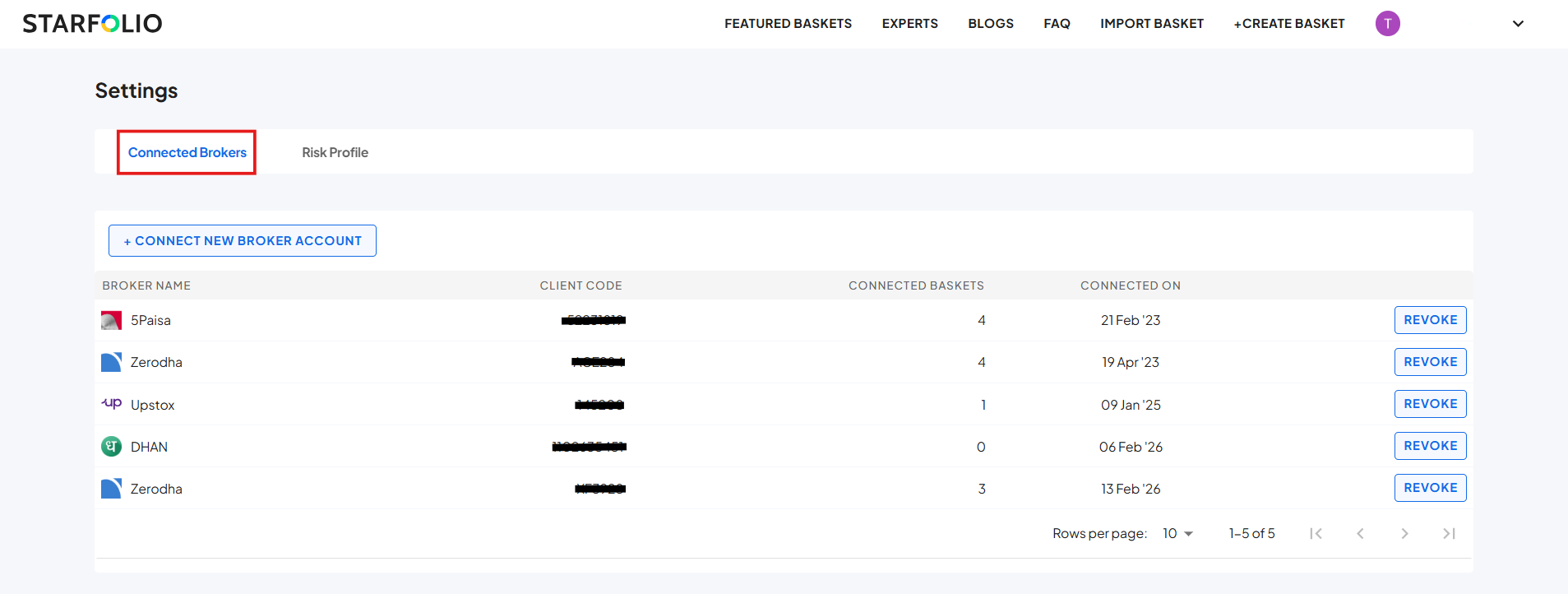

Modified on: Tue, 17 Mar, 2026 at 3:24 PM
To view the brokers connected to your account, click on the ‘Settings’ option from the profile icon dropdown, as shown below.
This will take you to the ‘Connected Brokers’ tab, where you can view the list of brokers linked to your Starfolio account.
Did you find it helpful? Yes No
Send feedback