
To subscribe to a premium Starfolio basket, start by selecting a basket from the “Featured Baskets” section on the homepage. These premium baskets are created by SEBI-registered investment advisors or research analysts.
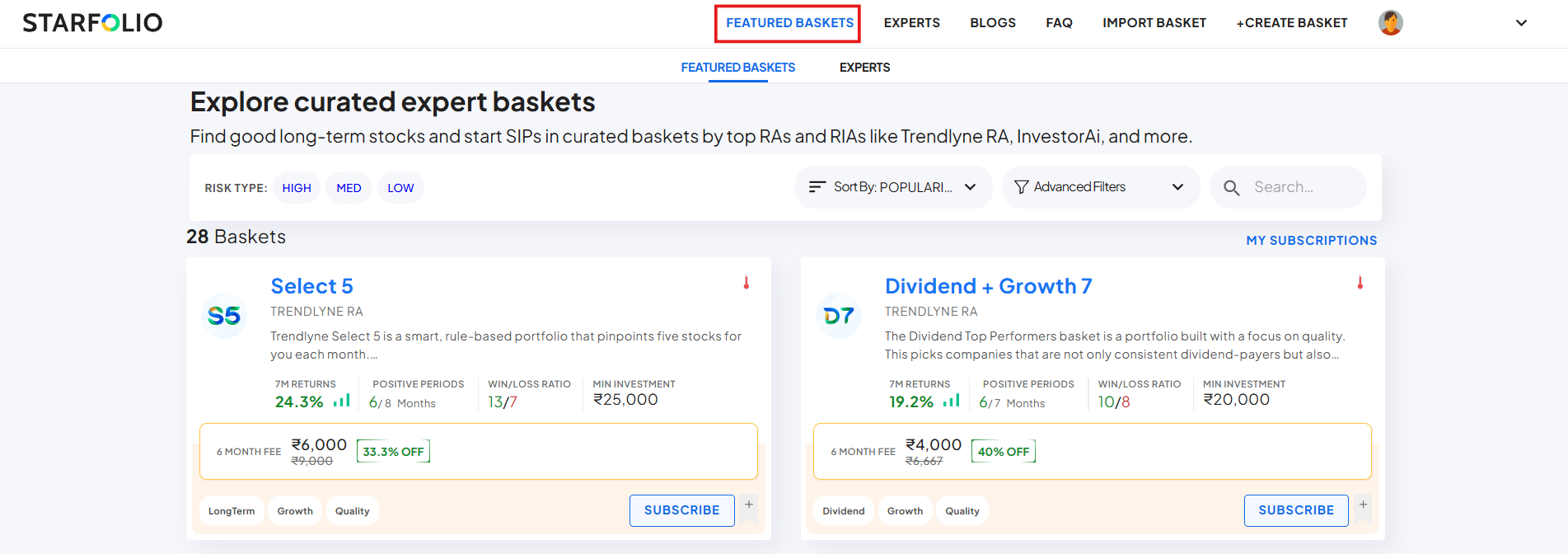
You can also navigate to the “Experts” section to explore different managers on Starfolio.
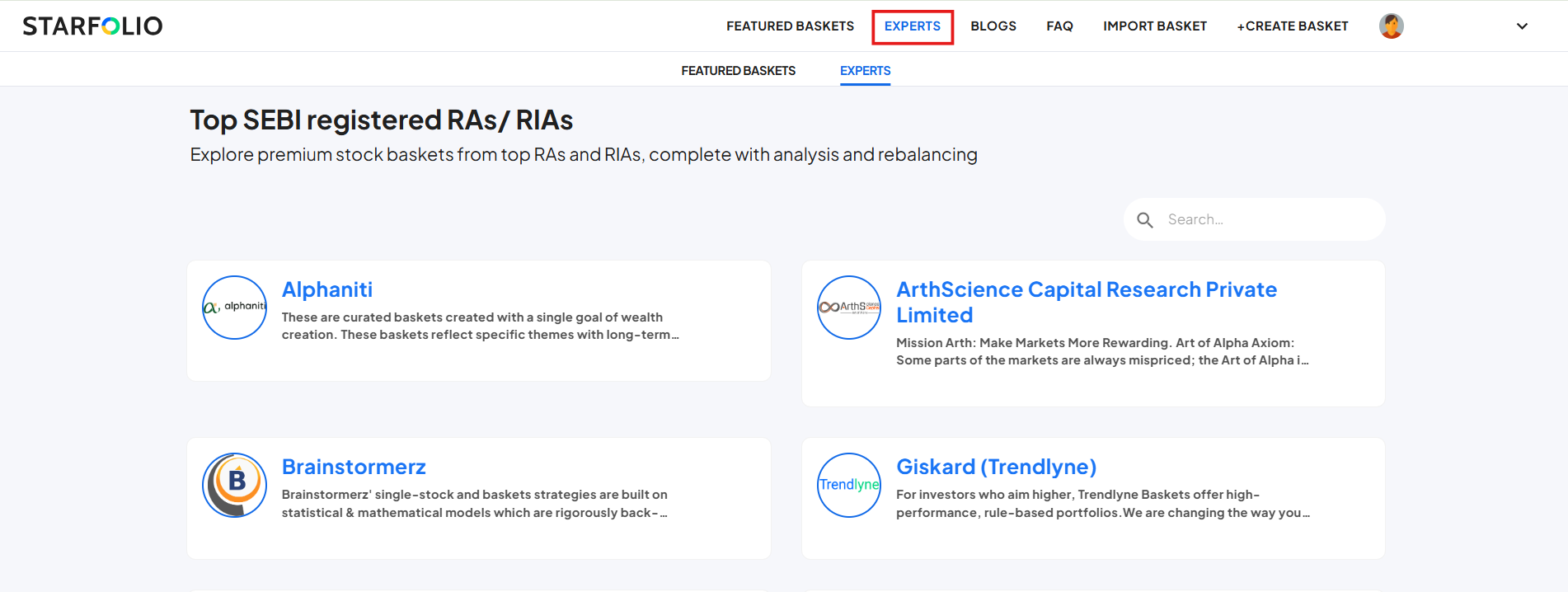
Once you’ve identified a basket that matches your investment goals, click on it to explore more details, including its performance history and asset allocation across various securities such as equity, debt, and gold.
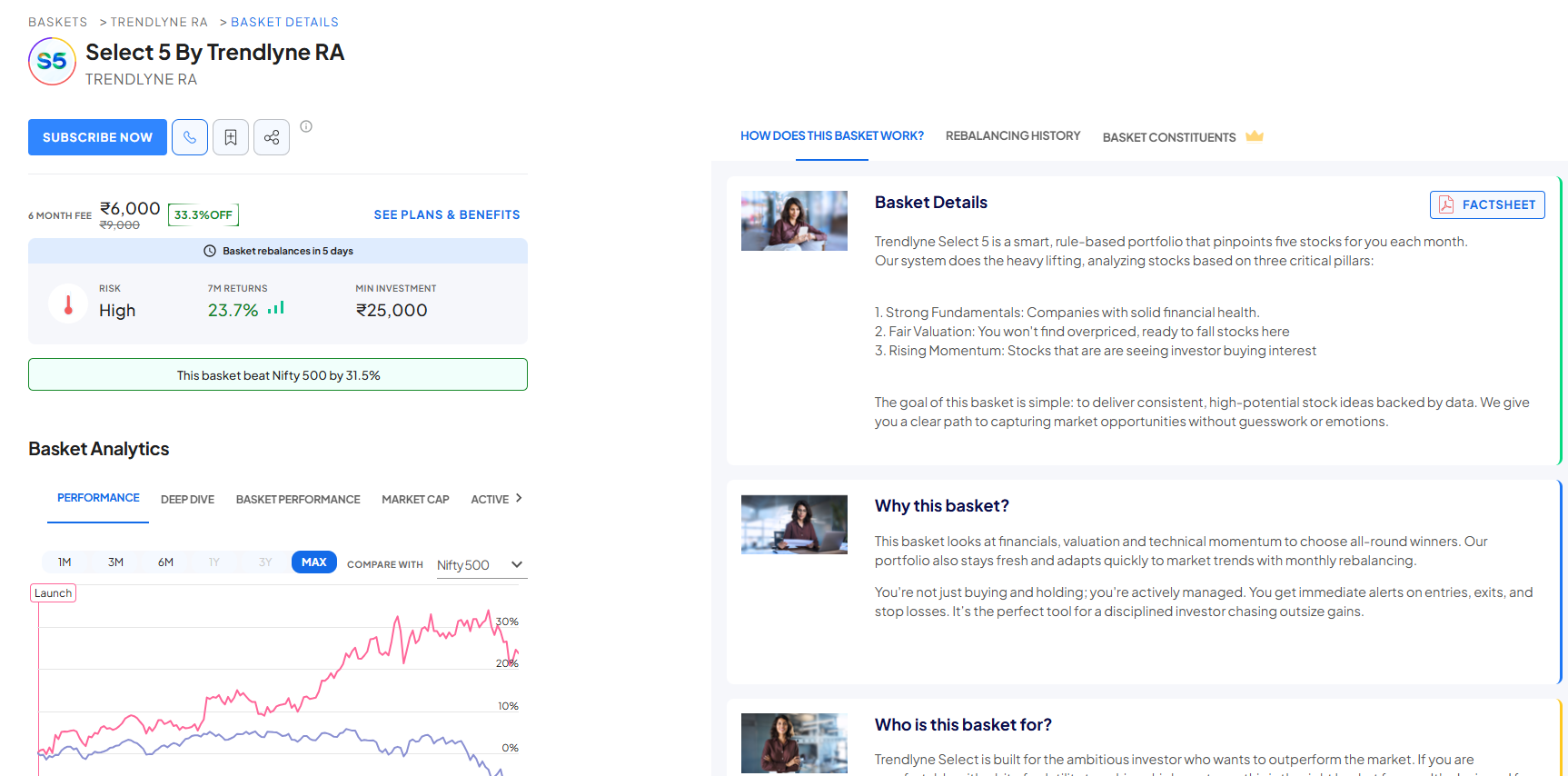
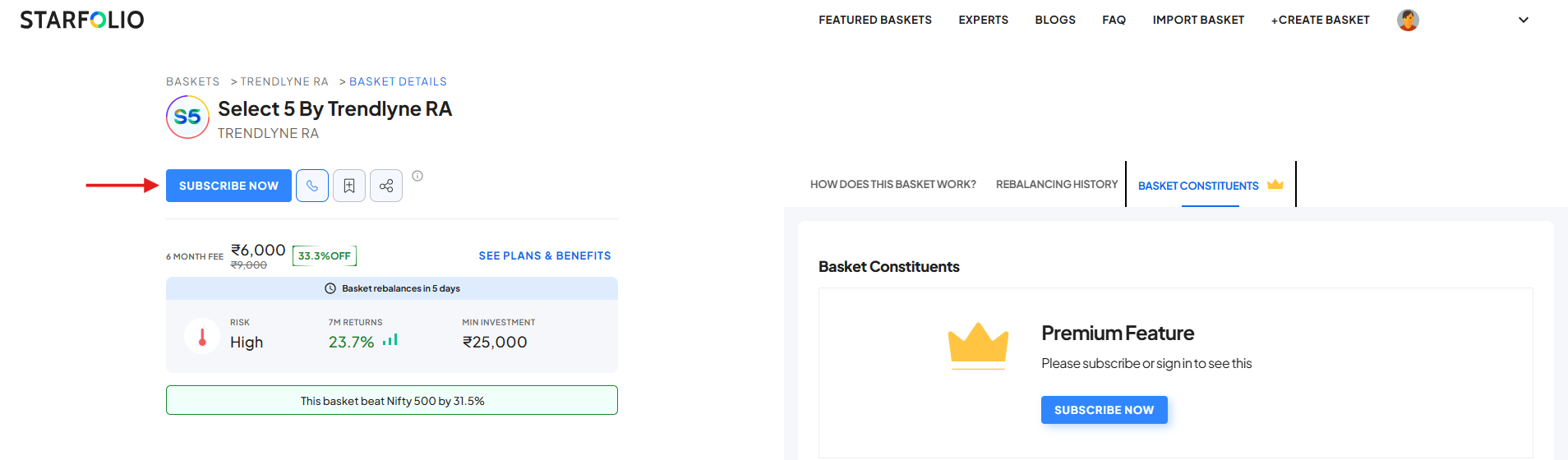
Please note that the constituents of premium baskets are not visible until you subscribe.
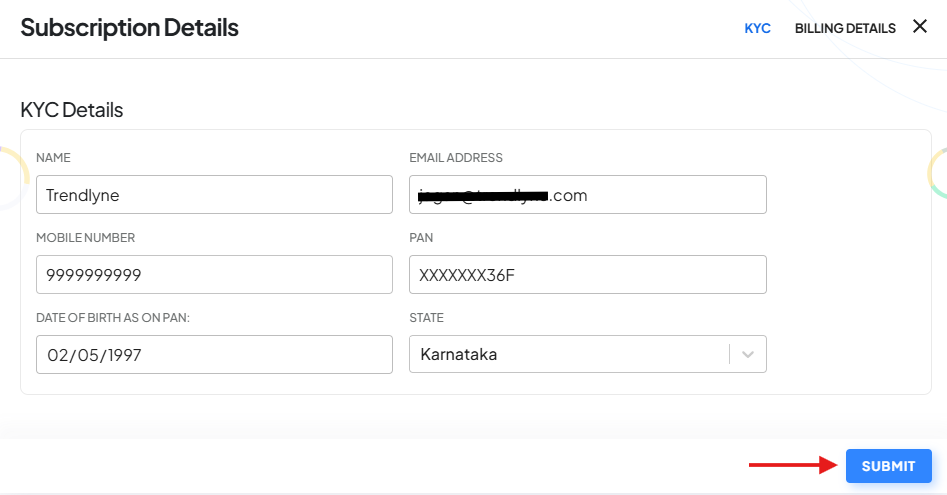
To subscribe, click on the ‘Subscribe Now’ button. A pop-up will appear prompting you to verify your KYC details, once confirmed, click ‘Submit’.
Next, choose a subscription plan for the basket, click on ‘Subscribe Now’, and complete the Digio sign-in process.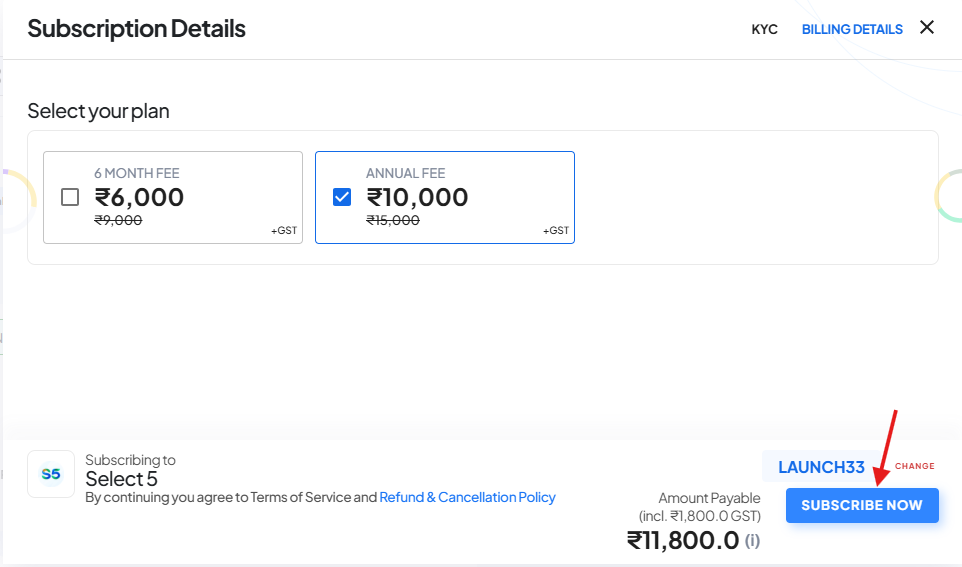
After this, select a payment method to complete the transaction.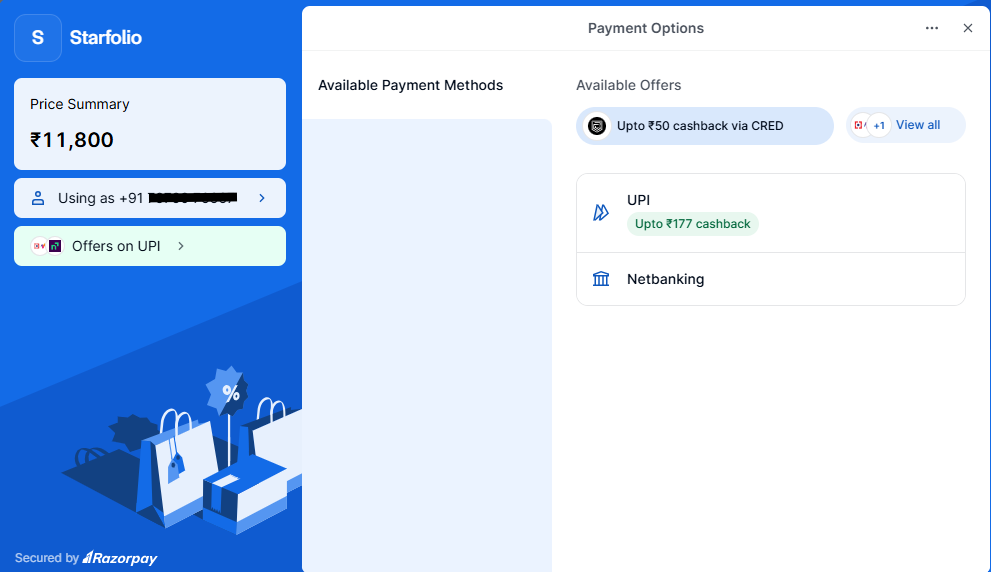
Once the payment is successful, you will be redirected to the basket page, where you will gain full access to the basket’s constituents and analytical data.

After subscribing, you can invest in the basket by clicking on the ‘Invest’ button.
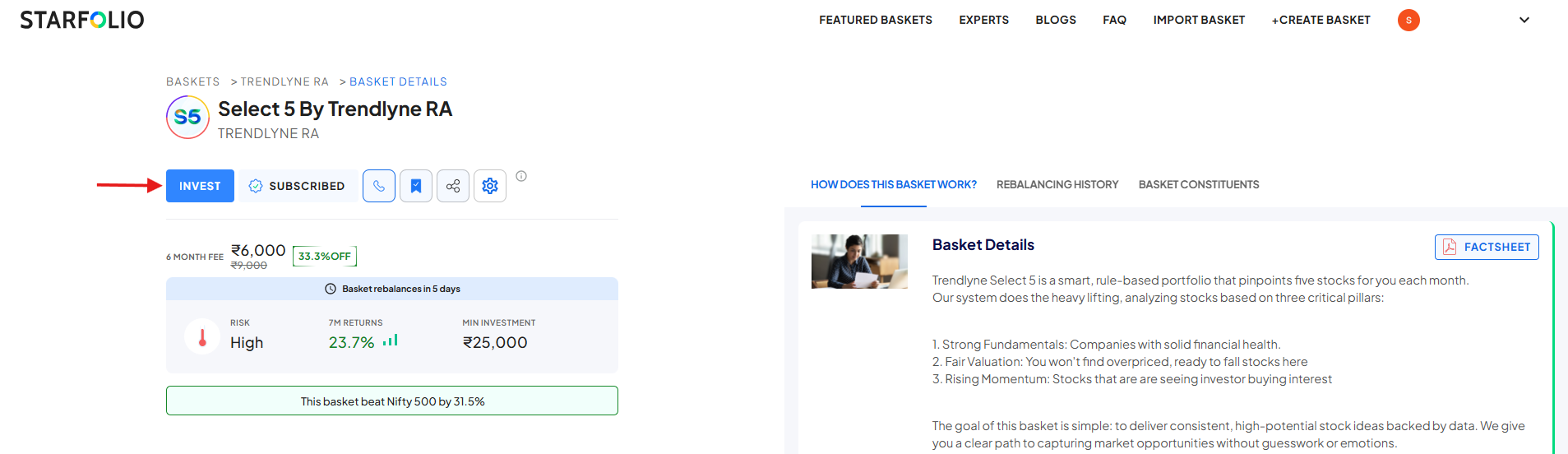
Please note that investments in subscribed baskets can be made only through Starfolio’s partnered brokers.
Currently, supported brokers include Zerodha, Upstox, Dhan, IIFL Capital, Axis Securities, and 5 Paisa.