Once you’ve selected the desired filters, click on the “Save Screener” button, as shown in the image below.
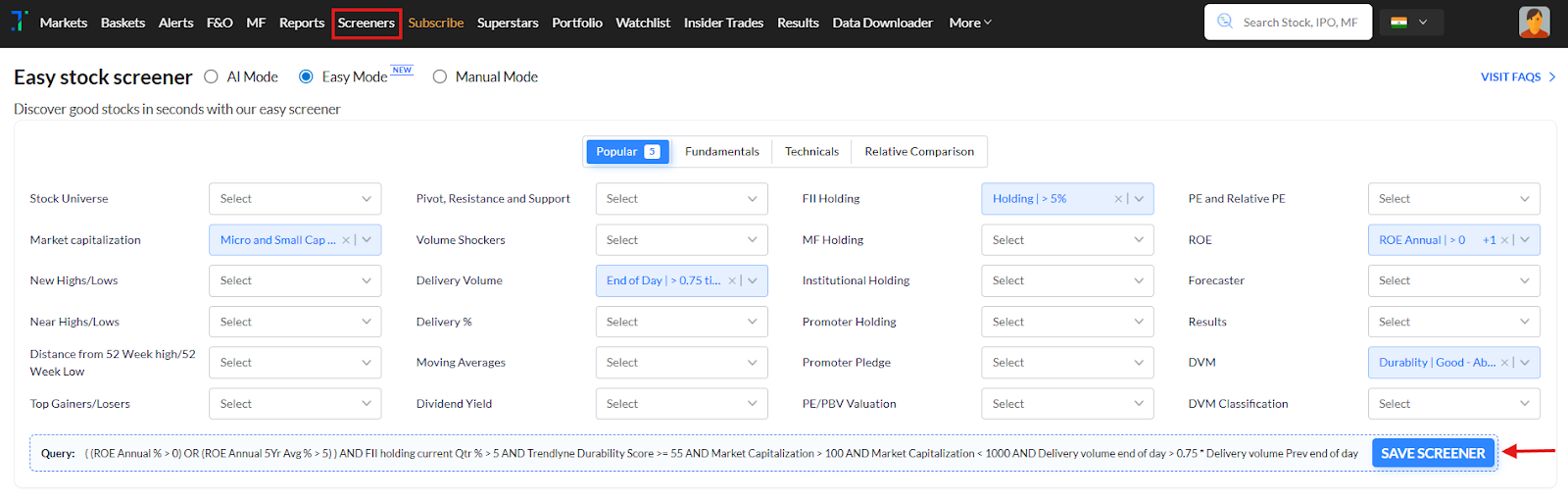
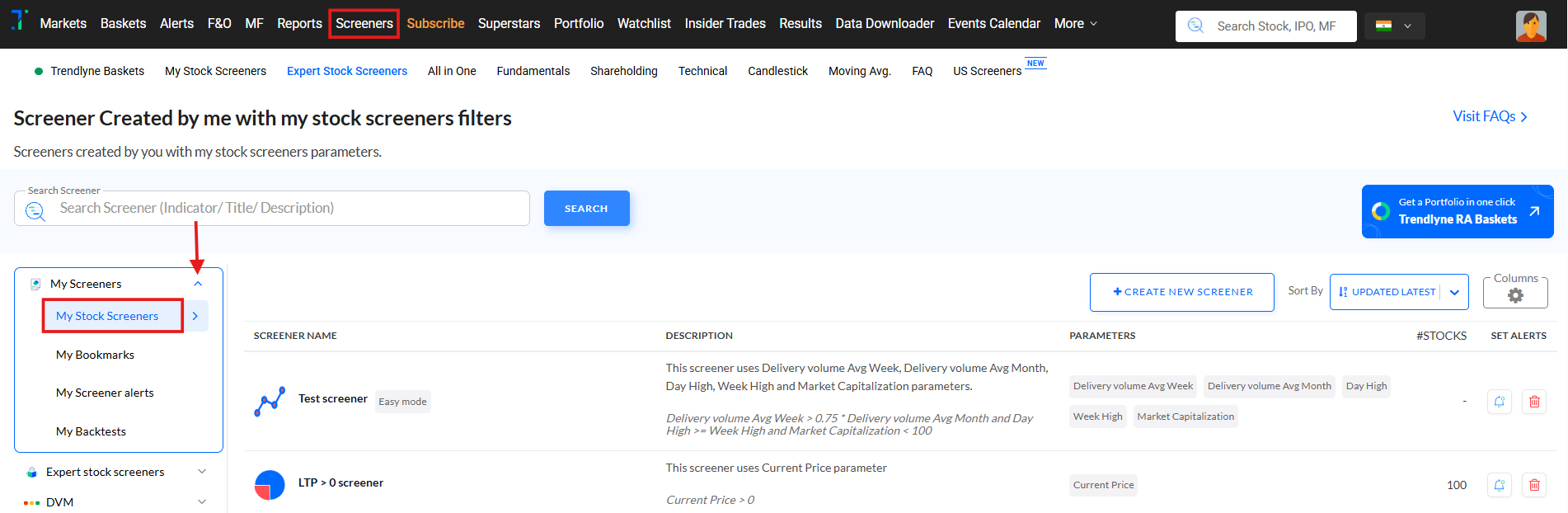
This allows you to access the screener later from My Stock Screeners section without having to set the filters again.

Modified on: Mon, 23 Feb, 2026 at 2:12 PM
Once you’ve selected the desired filters, click on the “Save Screener” button, as shown in the image below.
This allows you to access the screener later from My Stock Screeners section without having to set the filters again.
Did you find it helpful? Yes No
Send feedback